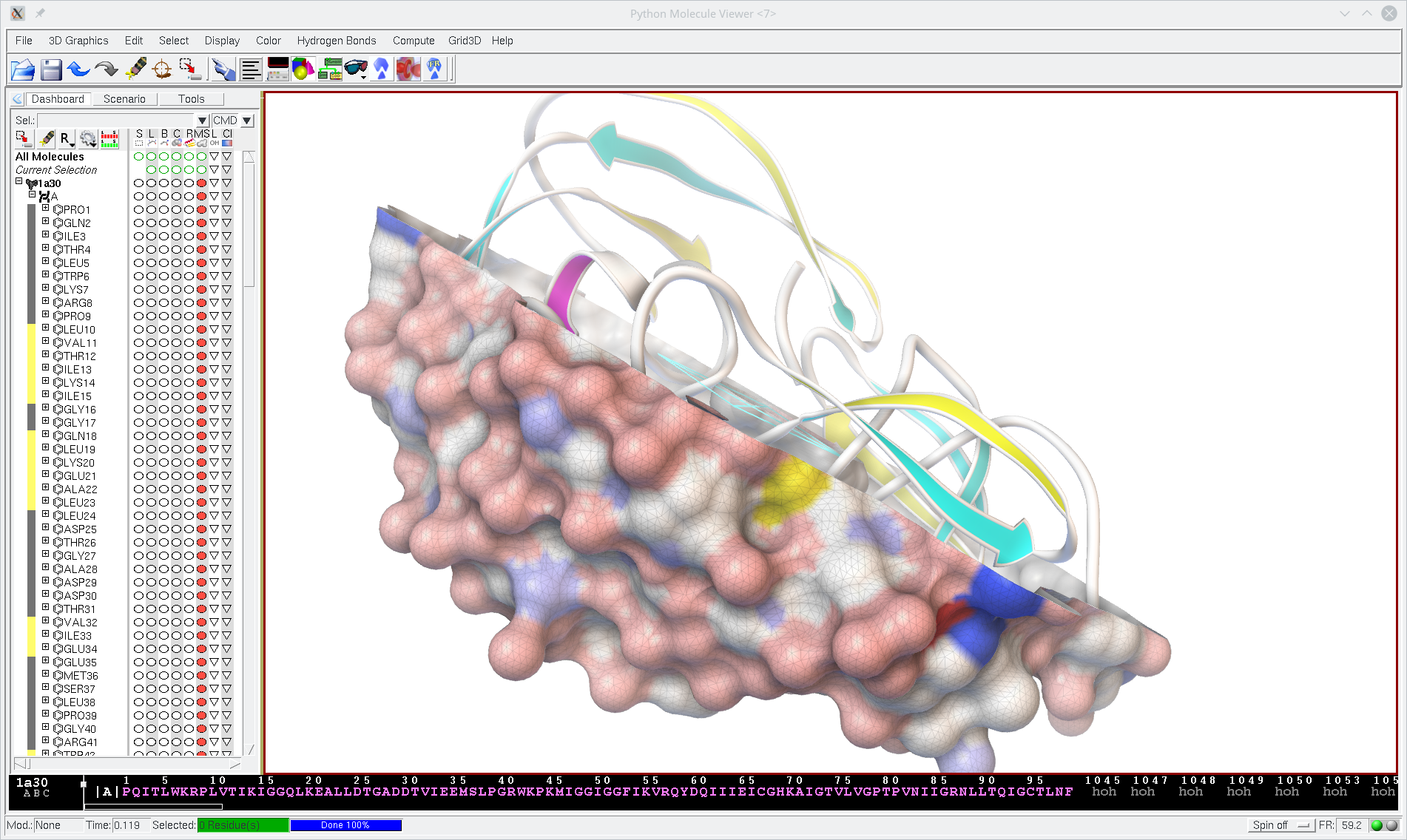
MGLTools is Available for Debian
Thanks to Steffen Möller from DebianMed, MGLTools is now available for Debian. See, for instance, http://packages.debian.org/sid/autodocktools. This has benefited MGL and DebianMed mutually: DebianMed has added AutoDock, the most cited docking software, and AutoDockTools into its list of drug discovery packages. We, on the other hand, were able to clean up our code and make sure that AutoDockTools can be started without MSLIB, STRIDE, and UTPackages installed.
Debian packages working, Ubuntu Jaunty with MGLTools
Posted by
SteffenMoeller
at
2009-01-06 07:29
The Debian packages are now working nicely. To install try
sudo aptitude install autodocktools autogrid autodock
which should be functional on all Debian architectures.
Ubuntu already has autodock and autogrid, the Debian are installable. The more cautious user might prefer to wait for Unbutu Jaunty (the version after intrepid) will ship with the MGLTools directly.
sudo aptitude install autodocktools autogrid autodock
which should be functional on all Debian architectures.
Ubuntu already has autodock and autogrid, the Debian are installable. The more cautious user might prefer to wait for Unbutu Jaunty (the version after intrepid) will ship with the MGLTools directly.
Yes, the installation is now OK,
Posted by
mikesl
at
2009-01-06 10:43
just did it on my home PC, 32 bit Debian/sid. Thanks for the good work.
But, mgltools-geomutils should be added
Posted by
mikesl
at
2009-01-06 10:56
to above mentioned command, because this package it is not mentioned in the dependencies of mgltools-pmv nor mgltools-dejavu.
Dependencies added
Posted by
SteffenMoeller
at
2009-01-07 04:13
Many, many thanks for spotting this, Michael. I have added the dependencies to the Debian packaging sources and the next release will have them.
Debian packages updated - autodock/grid and autodocktools
Posted by
SteffenMoeller
at
2009-06-21 14:56
The above mentioned corrections for autodocktools' dependencies have now been uploaded to the Debian distribution. The AMD64 platform has problems, at least on my machine, which I would like to hear about from other users. The 32bit Intel packages seem to work just fine. The Debian autodock and autogrid packages were updated from 4.0 to 4.2.1 release candidate 1.
No module named geomutils.geomalgorithms
Posted by
surachai
at
2009-09-17 02:19
I have tried the aptitude method on Ubuntu 9.04. Installation went well but when I run runAdt command the splash picture frozen. These last 2 lines were shown on my terminal.
"
ImportError: No module named geomutils.geomalgorithms
hit enter to continue
"
Probably because of lack of this specific module in instalation
surachai
"
ImportError: No module named geomutils.geomalgorithms
hit enter to continue
"
Probably because of lack of this specific module in instalation
surachai
Fixed by method mentioned above
Posted by
surachai
at
2009-09-20 22:31
After adding the dependency mentioned above,it is working now.
Thanks you
Sorry. Didn't read thoroughly before posting.
Thanks you
Sorry. Didn't read thoroughly before posting.
Struggling to launch vision
Posted by
jpht
at
2010-03-22 10:39
Hi,
I installed the bundled packages on an Ubuntu 9.10 distro. After solving a dependency issue (https://bugs.launchpad.net/ubuntu/+source/mgltools-vision/+bug/532777), I tried to launch vision; struggled a bit because some packages depend on Python2.5 and some on Python2.6; finally the interface starts but I can not load the matplotlib nodes. Here is the error I am getting (also reported at https://answers.launchpad.net/ubuntu/+source/mgltools-vision/+question/103334):
Warning (from warnings module):
File "/usr/lib/pymodules/python2.5/matplotlib/numerix/__init__.py", line 18
warnings.warn(msg, DeprecationWarning)
DeprecationWarning:
**********************************************************
matplotlib.numerix and all its subpackages are deprecated.
They will be removed soon. Please use numpy instead.
**********************************************************
>>> File "/usr/share/pyshared/Vision/bin/runVision", line 14, in <module>
Vision.runVision(sys.argv, ownInterpreter = True)
File "/usr/lib/python2.5/site-packages/Vision/__init__.py", line 336, in runVision
code.interact( 'Vision Interactive Shell', local=mod.__dict__)
File "/usr/lib/python2.5/code.py", line 302, in interact
console.interact(banner)
File "/usr/lib/python2.5/code.py", line 234, in interact
line = self.raw_input(prompt)
File "/usr/lib/python2.5/code.py", line 277, in raw_input
return raw_input(prompt)
File "/usr/lib/python2.5/lib-tk/Tkinter.py", line 1417, in __call__
return self.func(*args)
File "/usr/lib/python2.5/site-packages/mglutil/util/callback.py", line 86, in __call__
return apply(self.function, args, kw)
File "/usr/lib/python2.5/site-packages/Vision/VPE.py", line 1667, in loadLibModule
traceback.print_stack()
cannot import name linspace
Thanks for your help. I am eager impatient to test vision!
Jean-Philippe
I installed the bundled packages on an Ubuntu 9.10 distro. After solving a dependency issue (https://bugs.launchpad.net/ubuntu/+source/mgltools-vision/+bug/532777), I tried to launch vision; struggled a bit because some packages depend on Python2.5 and some on Python2.6; finally the interface starts but I can not load the matplotlib nodes. Here is the error I am getting (also reported at https://answers.launchpad.net/ubuntu/+source/mgltools-vision/+question/103334):
Warning (from warnings module):
File "/usr/lib/pymodules/python2.5/matplotlib/numerix/__init__.py", line 18
warnings.warn(msg, DeprecationWarning)
DeprecationWarning:
**********************************************************
matplotlib.numerix and all its subpackages are deprecated.
They will be removed soon. Please use numpy instead.
**********************************************************
>>> File "/usr/share/pyshared/Vision/bin/runVision", line 14, in <module>
Vision.runVision(sys.argv, ownInterpreter = True)
File "/usr/lib/python2.5/site-packages/Vision/__init__.py", line 336, in runVision
code.interact( 'Vision Interactive Shell', local=mod.__dict__)
File "/usr/lib/python2.5/code.py", line 302, in interact
console.interact(banner)
File "/usr/lib/python2.5/code.py", line 234, in interact
line = self.raw_input(prompt)
File "/usr/lib/python2.5/code.py", line 277, in raw_input
return raw_input(prompt)
File "/usr/lib/python2.5/lib-tk/Tkinter.py", line 1417, in __call__
return self.func(*args)
File "/usr/lib/python2.5/site-packages/mglutil/util/callback.py", line 86, in __call__
return apply(self.function, args, kw)
File "/usr/lib/python2.5/site-packages/Vision/VPE.py", line 1667, in loadLibModule
traceback.print_stack()
cannot import name linspace
Thanks for your help. I am eager impatient to test vision!
Jean-Philippe
Re: Struggling to launch vision
Posted by
Sargis Dallakyan
at
2010-03-22 11:05
Hi Jean-Philippe,
There might be a bug in matplotlib or numpy modules distributed in Ubuntu 9.10 that might be causing this problem. I just tried the following command on my FC11 and it was giving me ImportError: numpy/core/multiarray.so: undefined symbol: PyUnicodeUCS2_FromUnicode:
python -c "from matplotlib.mlab import linspace"
This is something that numpy maintainers might be able to fix. As a workaround for Vision, you can edit Vision/contours.py and comment or delete "from matplotlib.mlab import linspace" (#5 line).
There might be a bug in matplotlib or numpy modules distributed in Ubuntu 9.10 that might be causing this problem. I just tried the following command on my FC11 and it was giving me ImportError: numpy/core/multiarray.so: undefined symbol: PyUnicodeUCS2_FromUnicode:
python -c "from matplotlib.mlab import linspace"
This is something that numpy maintainers might be able to fix. As a workaround for Vision, you can edit Vision/contours.py and comment or delete "from matplotlib.mlab import linspace" (#5 line).
Re: Struggling to launch vision
Posted by
jpht
at
2010-03-22 12:17
Thanks for the quick answer! I'll submit a bug for the numpy package and in the mean time comment the line ;-)
Jean-Philippe
Jean-Philippe
Re: Struggling to launch vision
Posted by
jpht
at
2010-03-23 13:53
I comment out line 5 ; I now get an error on the import of matplotlib.cbook popd. This function does not exist anymore; googling a bit, I found this comment in the matplotlib repo:
warnings.warn("Use native python dict.pop method", DeprecationWarning)
I assume the popd function has now been removed from matplotlib. I modified the matplotlibNodes.py file:
- remove popd from the import line on line 167
- replace line 263 with the new syntax: kwargs.pop('polar', False)
This time the matplotlib nodes are loaded! I will now start play with it :-)
Hope this will help. Will it be valuable to submit a second bug report for Ubuntu (and maybe Debian)?
Jean-Philippe
warnings.warn("Use native python dict.pop method", DeprecationWarning)
I assume the popd function has now been removed from matplotlib. I modified the matplotlibNodes.py file:
- remove popd from the import line on line 167
- replace line 263 with the new syntax: kwargs.pop('polar', False)
This time the matplotlib nodes are loaded! I will now start play with it :-)
Hope this will help. Will it be valuable to submit a second bug report for Ubuntu (and maybe Debian)?
Jean-Philippe
Re: Struggling to launch vision
Posted by
Sargis Dallakyan
at
2010-03-23 14:10
Thanks for the update Jean-Philippe. There is no need to submit a second bug report for Ubuntu. We'll update our code when we make binaries with new version of matplotlib. Your message is much appreciated, thanks!

Tried to install mgltools-vision on debian sid,